Vault
See whether Vault or OpenBao is sealed and why, which node is active, whether Raft storage is healthy and can lose a node, and the replication mode, with a read-only policy. This plugin is in the next Secronyx release; the current download does not include it yet.
What it answers
Questions an on-call engineer asks, which an AI client can answer with this plugin.
- Is this Vault node sealed, and how many unseal keys has it had?
- Is this node active or a standby, and which standbys are checking in?
- Is the Raft cluster healthy, and how many nodes can fail before quorum is lost?
- Which Raft server is unhealthy or falling behind?
- Is replication enabled, and is the secondary connected?
- Which Vault or OpenBao version is each node running?
What it returns
Each of the plugin's read-only tools, described in words.
- Vault or OpenBao node health in one row - initialized, sealed, standby or performance standby, replication modes, version, cluster name, server time and clock skew
- Vault or OpenBao seal status in one row - sealed, initialized, seal type (shamir or auto-unseal), key threshold and shares, unseal progress, seal migration, storage type and version
- Vault or OpenBao HA nodes - host name, API and cluster addresses, which node is active, when each standby last checked in, version and redundancy zone
- Vault or OpenBao Raft autopilot state in one row - whether the cluster is healthy, how many voters it can lose, the leader, the voters, and each server's status, health, last contact and log index
- Vault replication status in one row - DR and performance replication mode (disabled, primary, secondary), state, cluster id, known secondaries, connection and last WAL index; Vault only, not OpenBao
At a glance
- Plugin
- vault 1.0.0
- Publisher
- levantar
- Platforms
- Linux, Windows, macOS
Tested on
- Vault 1.17.6 and OpenBao 2.1.0 (containers) on Ubuntu 24.04, test lab
- Vault 1.17.6 (official release) on macOS 15, test lab
- Vault 1.17.6 (official release zip) on Windows Server 2022, test lab
How it logs in
Without an explicit choice, install tries the methods that need no secret first, in this order.
- No login (a local endpoint)
- A bearer token
- vault-approle
- A client certificate
The least-privilege login
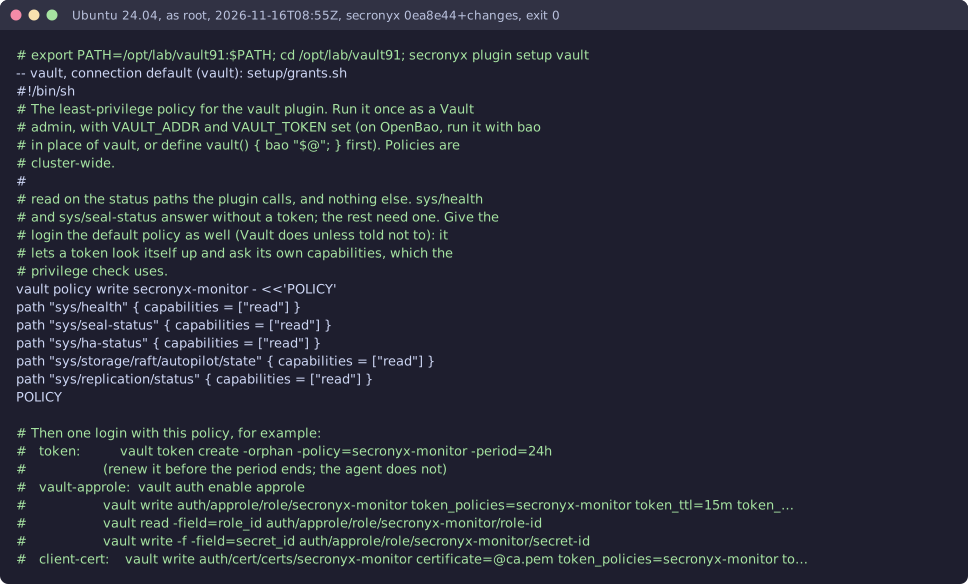
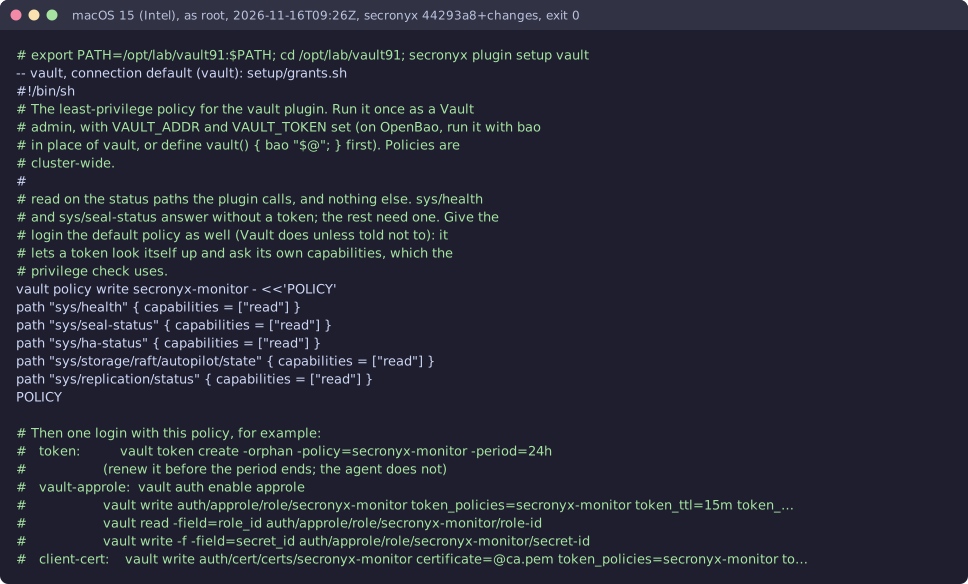
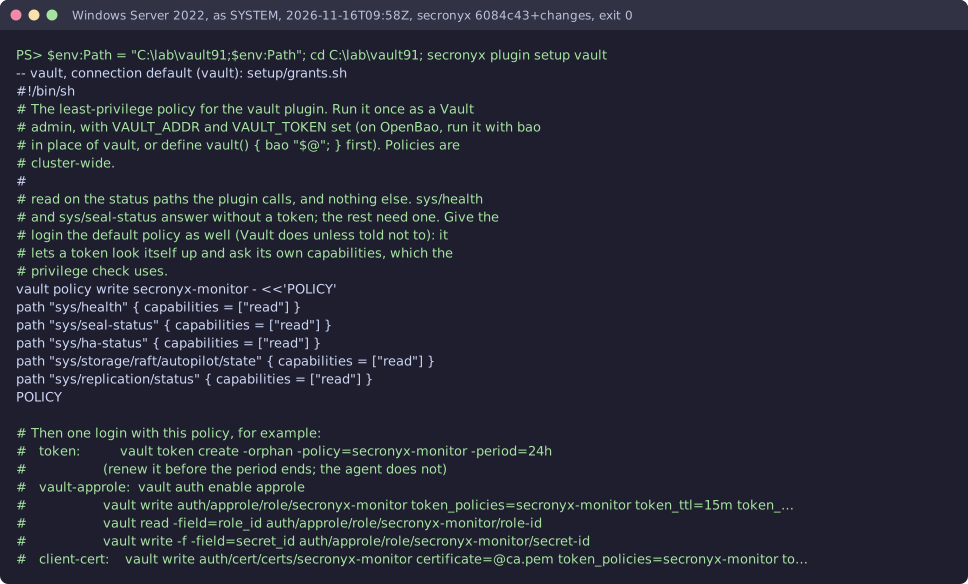
The setup file in the pack. secronyx plugin setup vault prints it; an administrator applies it by hand.
See it run






Read-only, in layers
Every request is a GET or HEAD to the endpoint the operator configured, on a path fixed in the signed pack. Redirects are not followed, and requests known to change state are refused.
These controls narrow what the plugin can do; none of them is a guarantee on its own. An administrator can still accept a more powerful login on purpose (audited and shown in status), root or Administrator on the host can replace the agent, and the plugin can read whatever its login can see.